



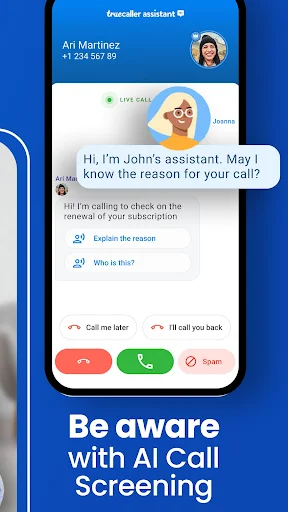
Truecaller has revolutionized how millions manage their daily communications by identifying unknown callers and blocking spam. This essential Android tool helps users screen calls effectively, ensuring they only answer important ones from known contacts. It is particularly valuable for professionals, business owners, and anyone seeking to reclaim control over their phone’s incoming calls and messages.
Identify Unknown Callers Instantly
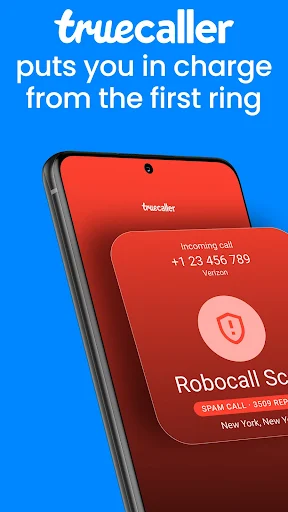
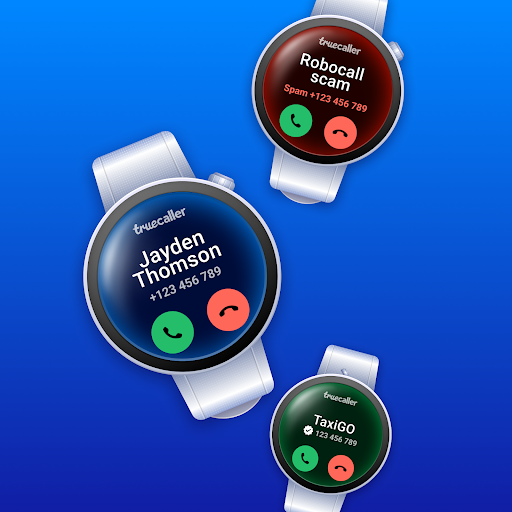
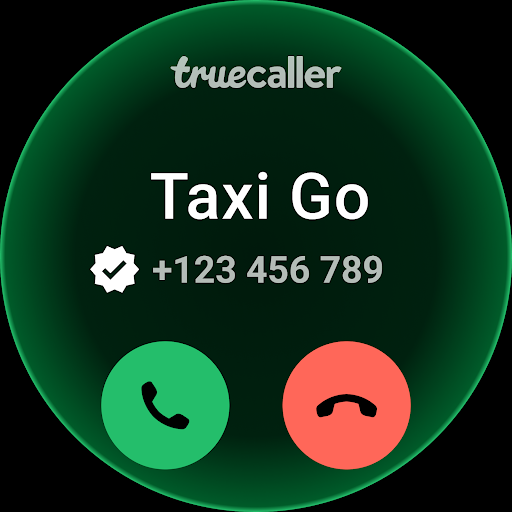
The app automatically displays the name of incoming callers, even if they are not saved in your contact list. This is made possible by its extensive, constantly updated global directory of numbers. You will know who is calling before you answer, which significantly reduces interruptions from telemarketers or unknown numbers.
Automatically Block Unwanted Calls
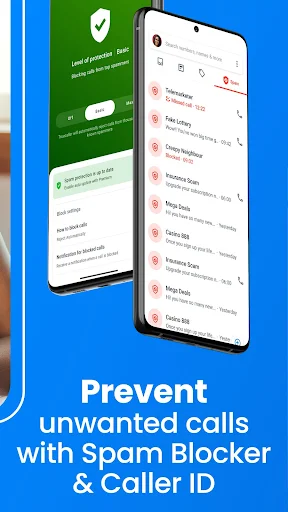
Truecaller effectively silences spam and robocalls by automatically blocking numbers reported by its vast user community. You can customize blocking settings to target specific categories, such as fraud or telemarketing. This feature creates a quieter, more peaceful phone experience by filtering out the noise.
See Who Called When Busy
A built-in caller ID service works even when you are unable to take a call, showing the name of the person who tried to reach you. This is incredibly useful for screening calls during meetings or important tasks. You can quickly identify which missed calls are a priority to return, saving you time and effort.
Search for Numbers Manually
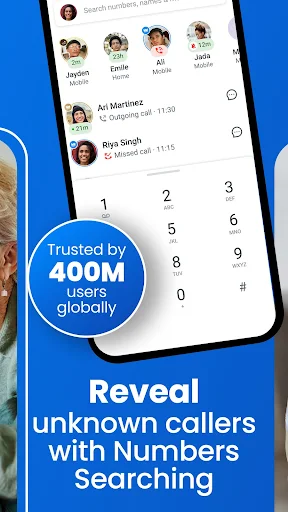
Beyond incoming calls, you can actively search for any phone number to find out who it belongs to. This reverse number lookup is helpful for identifying numbers found on business cards or in missed call logs. It adds an extra layer of security and context to your communications.
Manage SMS Messages Effectively
The app extends its filtering capabilities to your text messages, automatically categorizing SMS from businesses and personal contacts. It effectively separates promotional messages from important transactional alerts like OTPs and bank updates. This keeps your inbox organized and ensures you never miss a critical message.
Frequently Asked Questions
It uses a massive, collaborative database where users contribute contact information. When a call comes in, the app checks this global directory to find and display a match.
The app is designed with privacy in mind, allowing users to control their visibility in the directory. You can adjust settings to be unlisted or choose what information is shared.
A basic caller ID may work for recently searched numbers, but a live internet connection is required for real-time identification and spam blocking from the global database.